
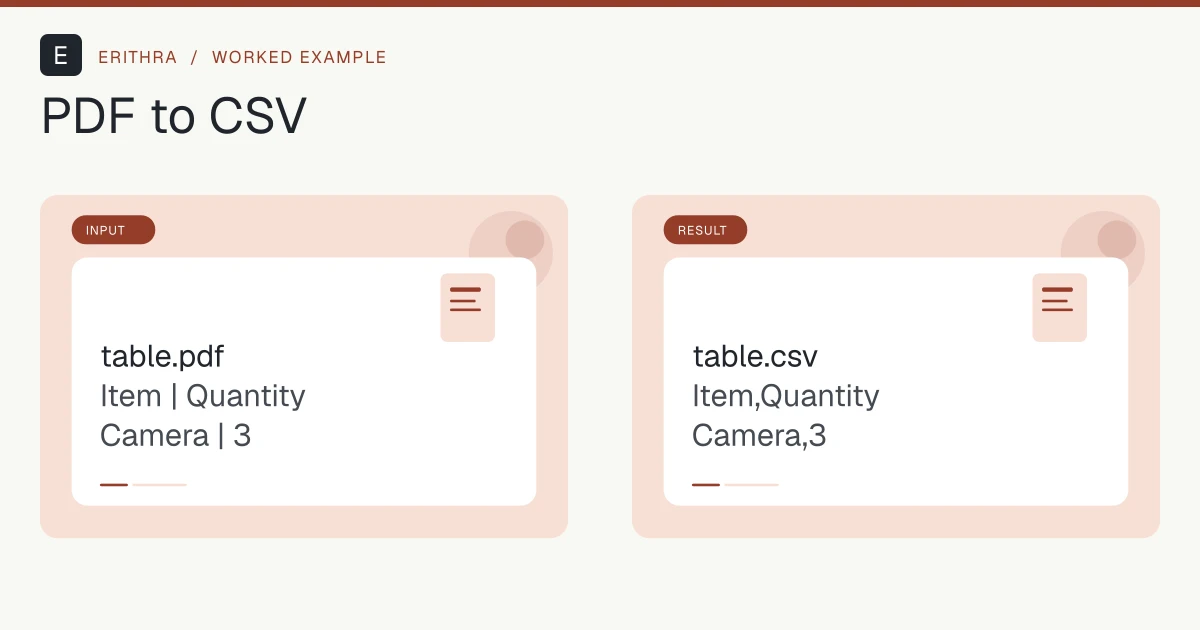
Try it with a small example
Extract a table from a PDF text layer and review how the rows and columns were inferred. Open the workspace.
Start with a report whose rows line up clearly and whose column headings appear only once. Review repeated headers and rows that wrap across multiple lines.
Follow these steps
- Choose a PDF with selectable text and check its first-page preview.
- Process the document and compare the extracted rows with the original table.
- Download the CSV and check the columns in a spreadsheet editor.
Check the export
Scanned pages require OCR first. Inferred columns can shift in complex tables, and formula-looking CSV cells are escaped for safer spreadsheet use.
PDFpdf to csv