PDF Merger
Combine multiple PDF documents in your chosen order.
PDF ERITHRA
Extract rows from a text-based PDF into a CSV.
Loading workspace…
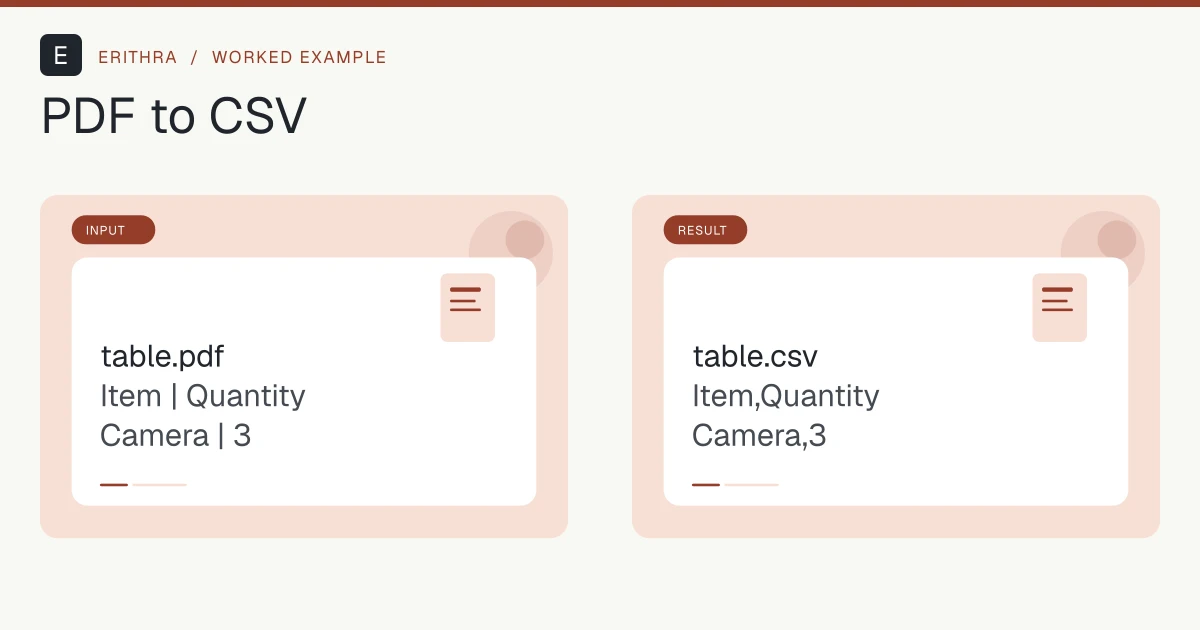
Extract a table from a PDF text layer and review how the rows and columns were inferred.
Export rows from a text-based PDF to CSV →Rows and cells are inferred from text positions. Scans need OCR first. Review column alignment across pages.
Files and generated results exist only for this tab session. Download any result you want to keep before leaving the page. Browsers may use temporary memory or disk cache while processing.
Download the CSV and check the columns in a spreadsheet editor.
Scanned pages require OCR first. Inferred columns can shift in complex tables, and formula-looking CSV cells are escaped for safer spreadsheet use.