
Try it with a small example
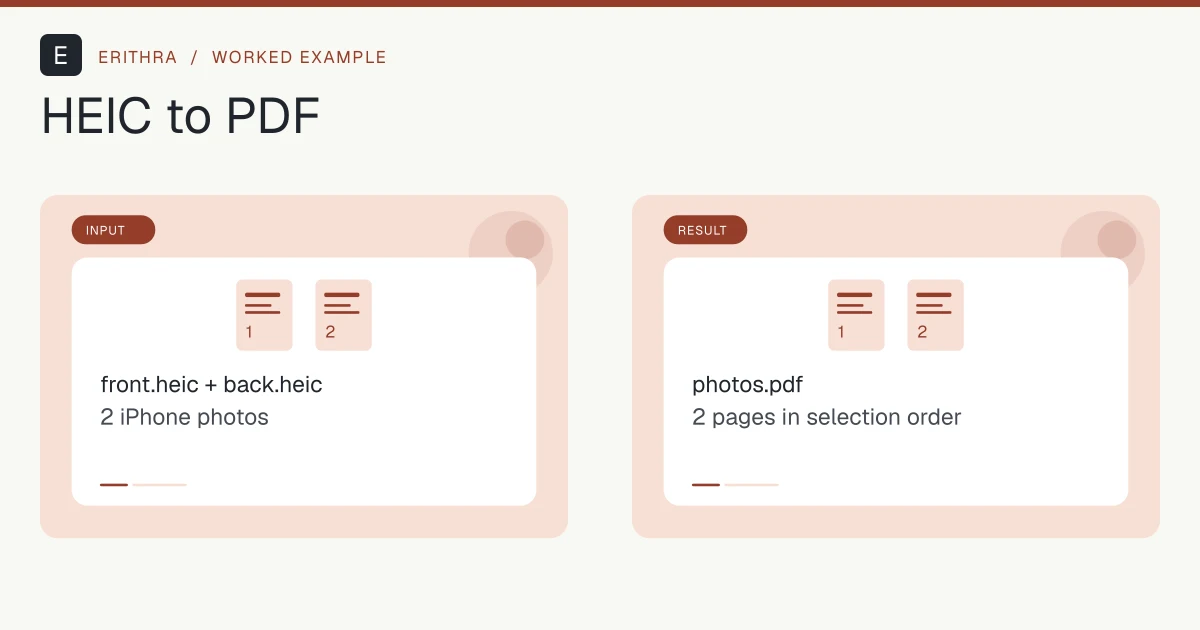
Convert a batch of HEIC or HEIF photos into a document with one photo per page. Open the workspace.
For photographing a signed packet, name the images by page before selecting them. Review any portrait or landscape changes in a PDF reader.
Follow these steps
- Choose your HEIC or HEIF photos and inspect their upload previews.
- Select Create PDF to decode and place each photo on its own page.
- Open the complete PDF and confirm the orientation and order of the photos.
Check the export
The tool uses one image from each container. Very large source photos can produce a large PDF.
PDFheic to pdf