
Try it with a small example
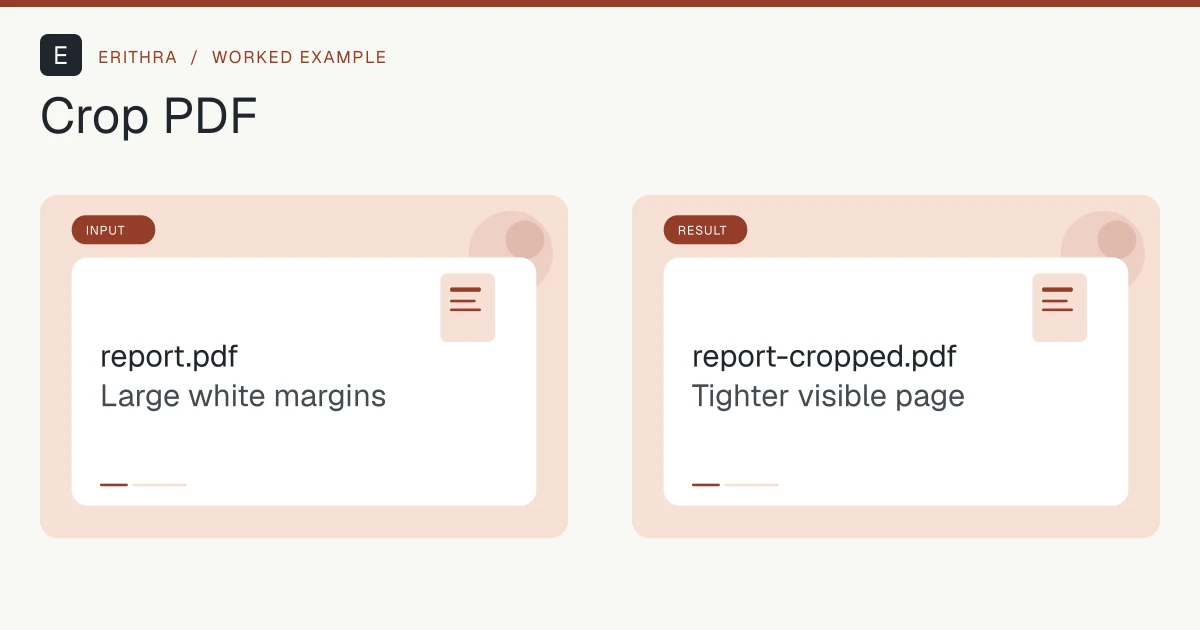
Use a crop box to trim the visible edges of a PDF page and check the resulting layout. Open the workspace.
For a print proof with a large white border, try 18 points on each edge. This removes a quarter inch from the visible area on each side at the default PDF scale.
Follow these steps
- Choose an unencrypted PDF and enter the page range to crop.
- Set the top, right, bottom, and left margins in PDF points, then create the PDF.
- Compare the first pages or open the download to review the specific pages you cropped.
Check the export
Margins are measured on the unrotated page. Cropping hides edges without securely deleting their content.
PDFcrop pdf