
Try it with a small example
Stamp a centered number on selected pages, including documents that start after a cover. Open the workspace.
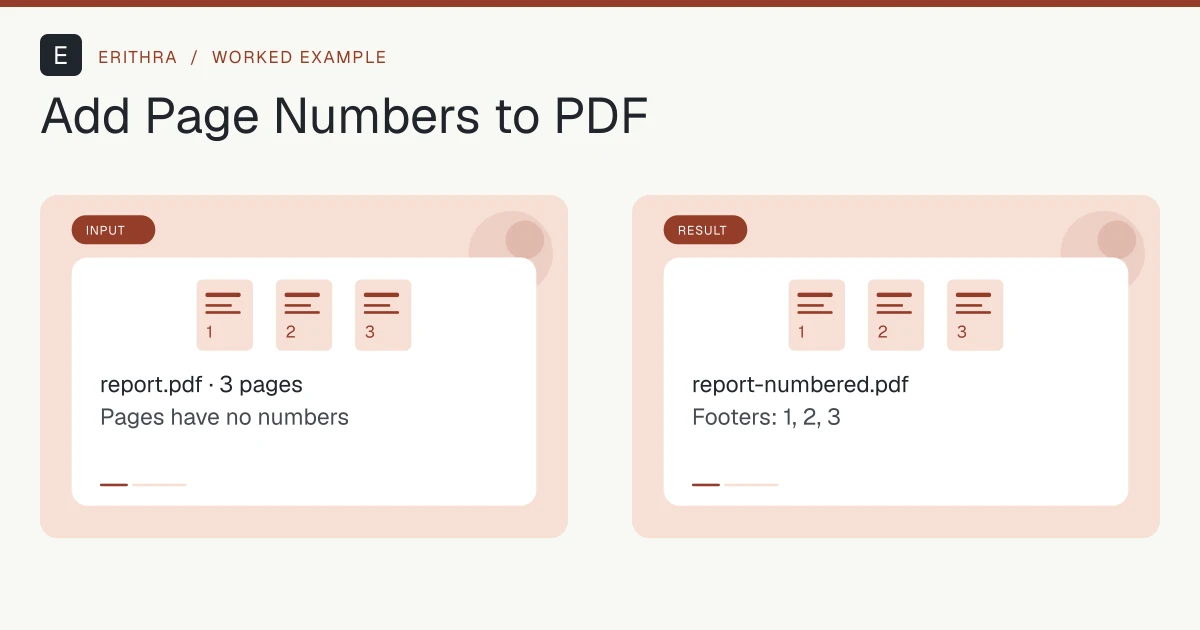
For a five-page report with a cover on page one, enter the page range 2-5 and start at 1. The cover remains untouched and the following pages receive 1 through 4.
Follow these steps
- Choose a PDF and enter the page range you want numbered.
- Set the starting number and type size, then create the PDF.
- Inspect the footer of several output pages before sharing.
Check the export
Numbers become visible page content and can overlap an existing footer. Rewriting may affect digital signatures.
PDFpdf page numbers