PDF Merger
Combine multiple PDF documents in your chosen order.
PDF ERITHRA
Stamp sequential numbers at the bottom of PDF pages.
Loading workspace…
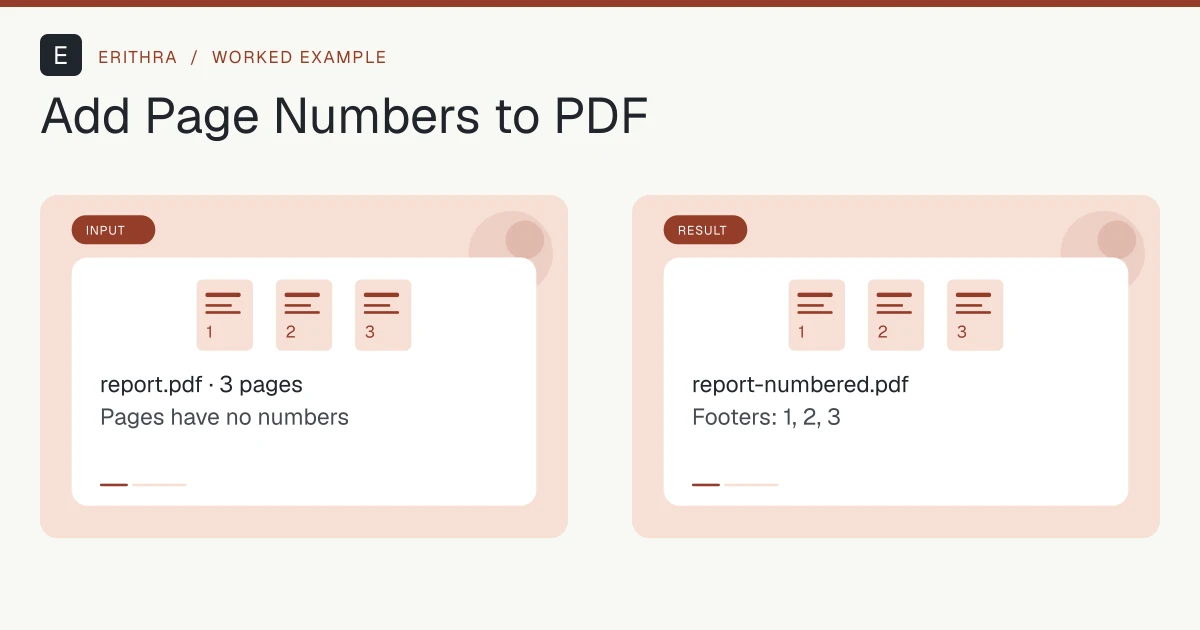
Stamp a centered number on selected pages, including documents that start after a cover.
Add sequential page numbers to a PDF →Adds visible numbers to the page itself. Check existing footers and document signatures before sharing.
Files and generated results exist only for this tab session. Download any result you want to keep before leaving the page. Browsers may use temporary memory or disk cache while processing.
Inspect the footer of several output pages before sharing.
Numbers become visible page content and can overlap an existing footer. Rewriting may affect digital signatures.