PDF Merger
Combine multiple PDF documents in your chosen order.
PDF ERITHRA
Turn HEIC or HEIF photos into one PDF in selection order.
Loading workspace…
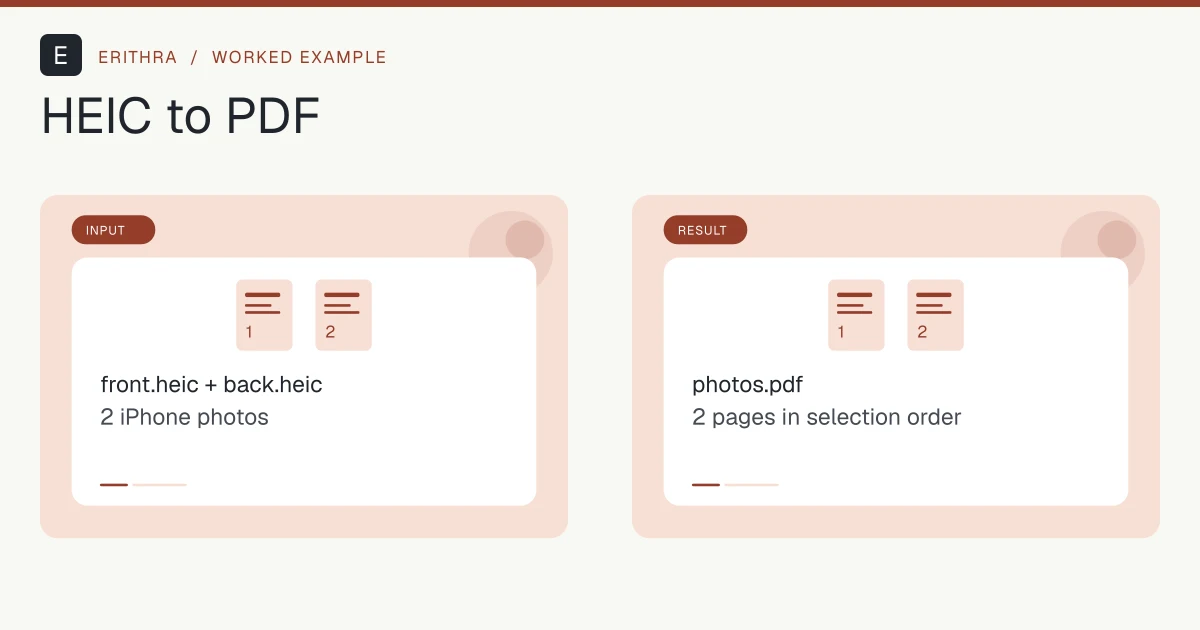
Convert a batch of HEIC or HEIF photos into a document with one photo per page.
Combine iPhone HEIC photos into a PDF →Up to 20 files, 20 MB each and 100 MB combined. Only one image from each file is included.
Files and generated results exist only for this tab session. Download any result you want to keep before leaving the page. Browsers may use temporary memory or disk cache while processing.
Open the complete PDF and confirm the orientation and order of the photos.
The tool uses one image from each container. Very large source photos can produce a large PDF.