
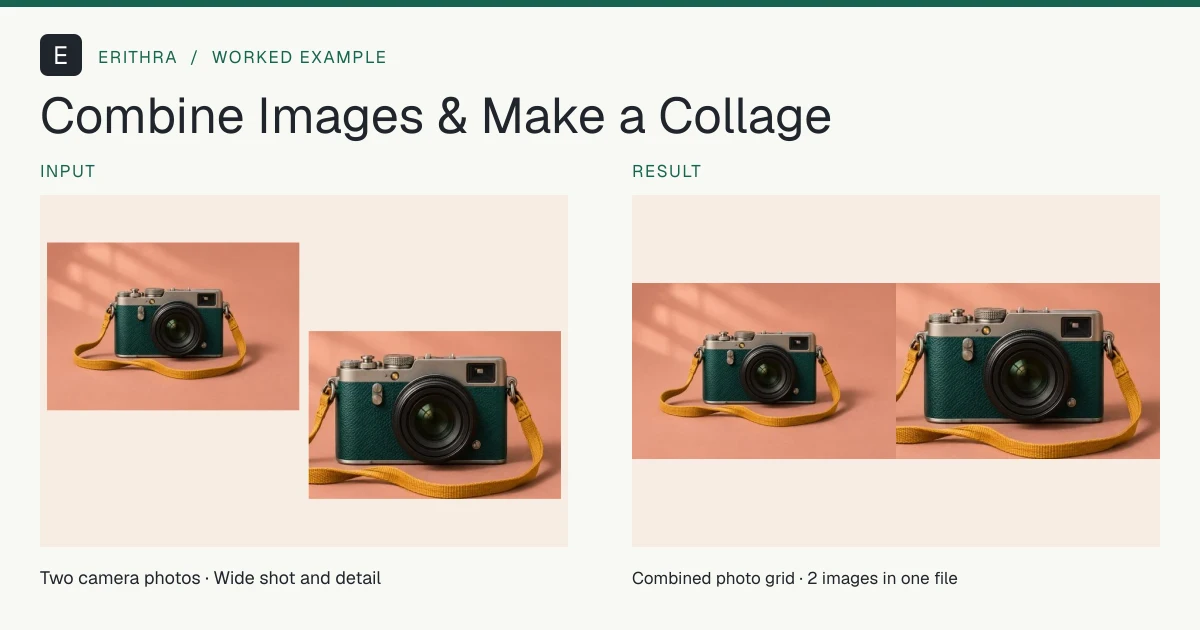
Try it with a small example
Arrange several photos in a contact sheet with consistent cells and spacing. Open the workspace.
For a before-and-after pair, choose both photos, set two columns, and keep a small gap. The images scale to fit their cells without cropping.
Follow these steps
- Select up to twelve JPEG, PNG, or WebP images.
- Set the columns, tile size, spacing, and background color.
- Review the collage order and download the combined PNG.
Check the export
Image order follows the selected file list. Blank areas use the chosen canvas color.
Imagecombine images