
Try it with a small example
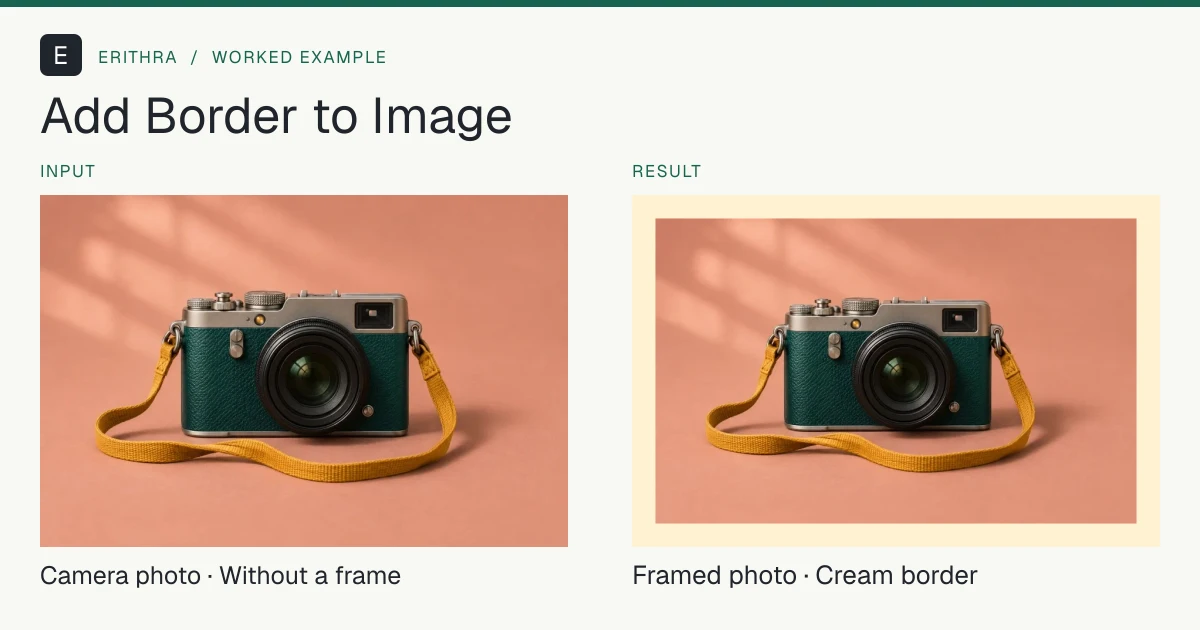
Add an outer frame to a photo or illustration and check the resulting pixel size. Open the workspace.
A 1,000 × 600 image with a 24-pixel border becomes 1,048 × 648. The border adds pixels on both sides of each dimension.
Follow these steps
- Choose a JPEG, PNG, or WebP image.
- Set a border width and color, then create a preview.
- Compare the original and framed image before downloading the PNG.
Check the export
The border sits outside the original image. Transparent areas inside the original remain transparent.
Imageadd image border