
Try it with a small example
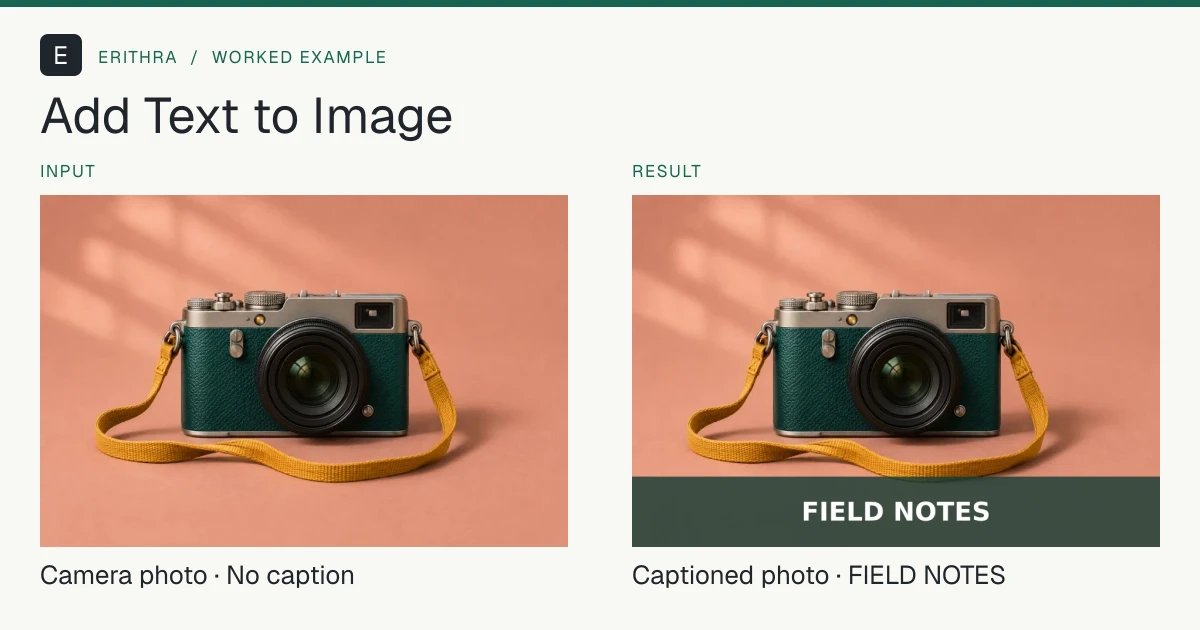
Add one line of outlined text to an image and check how it reads at full size. Open the workspace.
For a photo with a busy foreground, try the top position over a quieter region. The dark outline helps separate bright lettering from the background.
Follow these steps
- Choose a photo or illustration that has room for a caption.
- Enter the text and choose its size, position, and color.
- Compare the caption with the original and download the PNG.
Check the export
The caption is baked into the exported pixels. Keep the original if you may want to change the wording.
Imageadd text to image