Image Compressor
Reduce JPEG and WebP file size with adjustable quality.
Image ERITHRA
Arrange photos in a grid and export a single image.
Loading workspace…
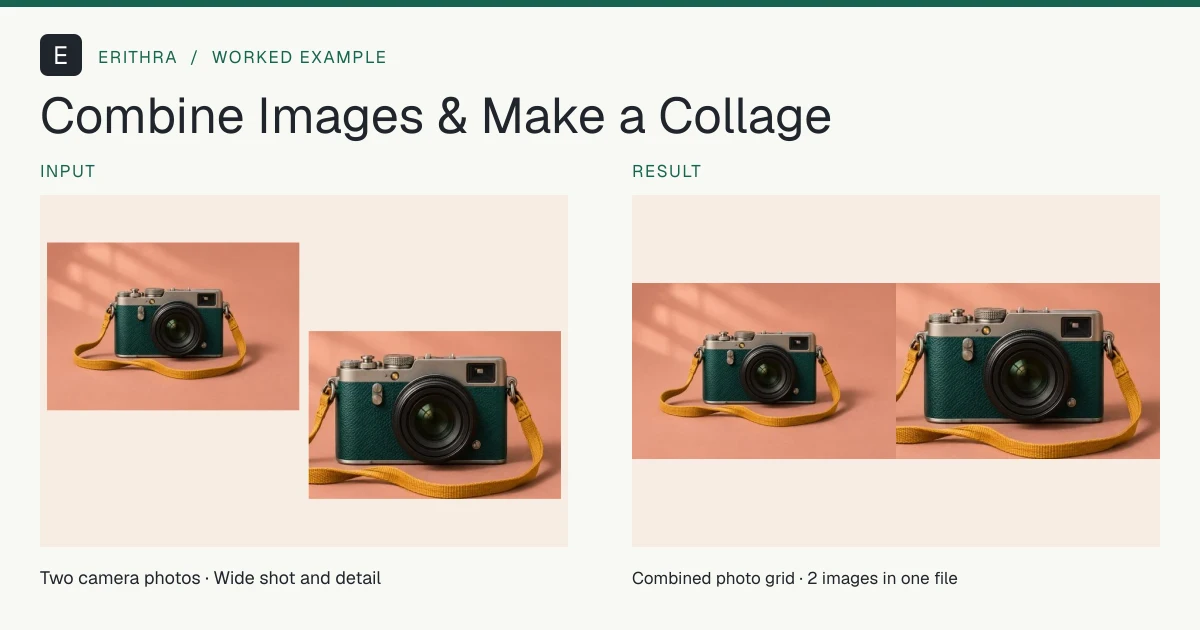
Arrange several photos in a contact sheet with consistent cells and spacing.
Combine photos into one grid collage →Up to 12 images. Images are contained in uniform cells without cropping.
Files and generated results exist only for this tab session. Download any result you want to keep before leaving the page. Browsers may use temporary memory or disk cache while processing.
Review the collage order and download the combined PNG.
Image order follows the selected file list. Blank areas use the chosen canvas color.
Reduce JPEG and WebP file size with adjustable quality.
ImageSet exact dimensions while keeping your image in proportion.
ImageConvert JPEG images to lossless PNG files.
ImageTurn PNG images into JPEGs with a clean white background.
Image