
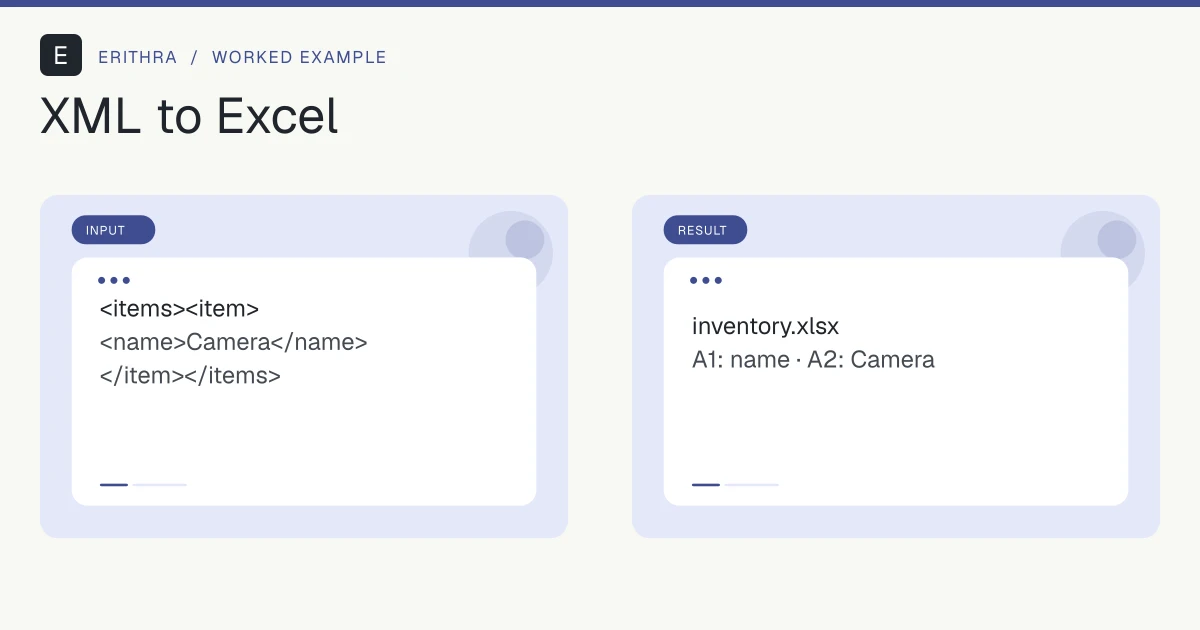
Try it with a small example
Export repeated XML records to XLSX with values preserved as text. Open the workspace.
For an inventory export, use one product element per item under the root. A missing field is kept blank in the corresponding row.
Follow these steps
- Choose a standalone XML file containing repeated records.
- Convert the XML and inspect the sampled row and column labels.
- Open the workbook and check identifiers and empty cells.
Check the export
Nested structures are outside this flat table format. Values such as 0007 stay text in Excel.
Developerxml to excel