JSON Formatter & Validator
Validate JSON and format it for reading or compact transfer.
Developer ERITHRA
Export repeated XML records as rows in an XLSX worksheet.
Loading workspace…
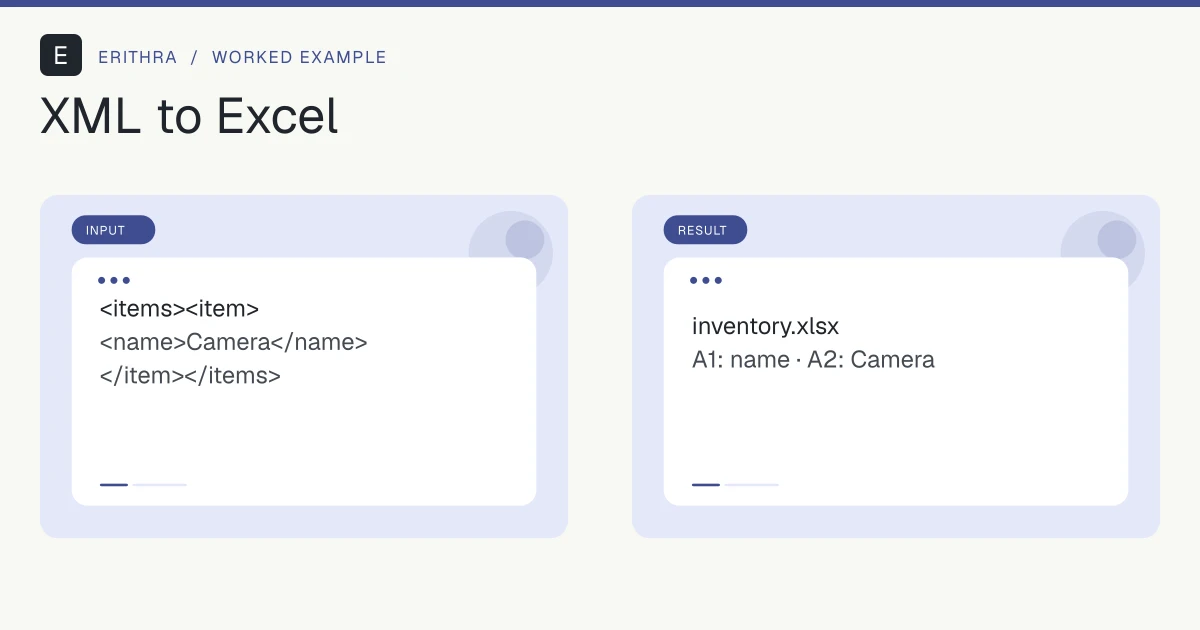
Export repeated XML records to XLSX with values preserved as text.
Open a list of XML records in Excel →Use simple records under one root. Field values stay as text.
Files and generated results exist only for this tab session. Download any result you want to keep before leaving the page. Browsers may use temporary memory or disk cache while processing.
Open the workbook and check identifiers and empty cells.
Nested structures are outside this flat table format. Values such as 0007 stay text in Excel.
Validate JSON and format it for reading or compact transfer.
DeveloperEncode Unicode text as Base64 and decode it back.
DeveloperGenerate random passwords with the browser’s cryptographic API.
DeveloperCreate a downloadable QR code from text or a URL.
Developer