
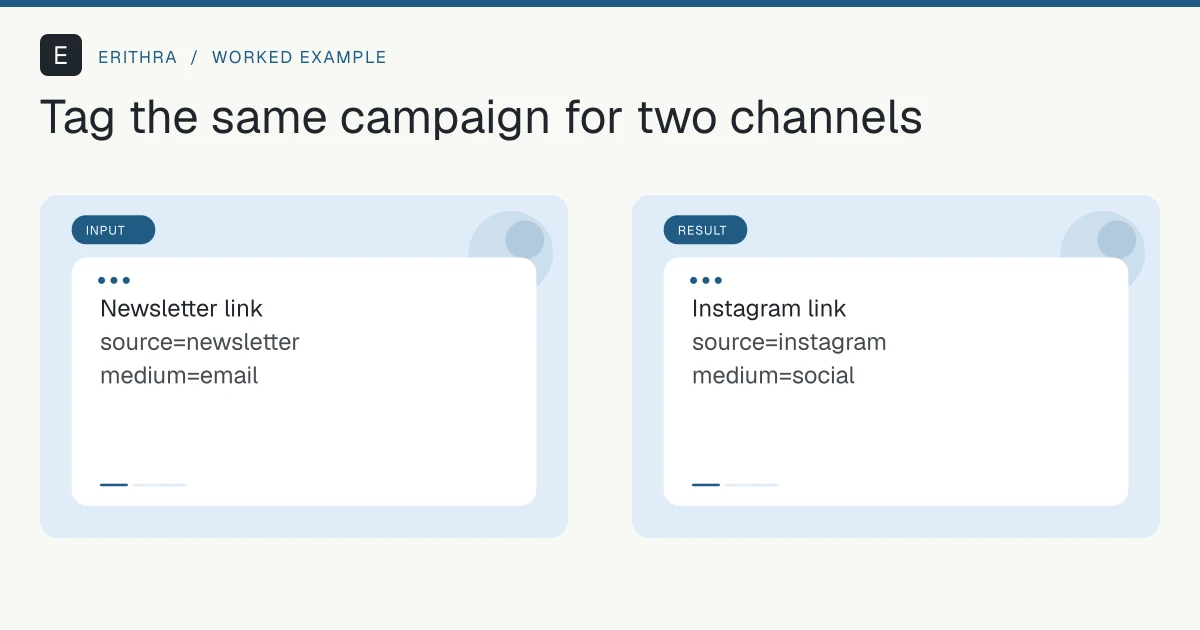
Say you’re launching a photo guide and sharing it in a newsletter and on Instagram. Both links lead to the same page. UTM parameters let an analytics platform distinguish the two referrals when it can measure the visits.
Set a naming convention for the launch
| Field | Newsletter | |
|---|---|---|
| Campaign source | weekly-digest |
instagram |
| Campaign medium | email |
social |
| Campaign name | photo-guide-launch |
photo-guide-launch |
| Campaign content | hero-link |
bio-link |
Keep the campaign name identical across channels. Use lowercase values consistently so you can group the campaign in reporting. The optional content field is handy when one newsletter has a hero button and a footer link leading to the same page. Google Analytics campaign URL documentation
Build and compare the two URLs
Open the UTM Link Builder. Start with the destination https://example.com/photo-guide?lang=en#examples and enter each column from the table. The generated newsletter URL should look like this.
https://example.com/photo-guide?lang=en&utm_source=weekly-digest&utm_medium=email&utm_campaign=photo-guide-launch&utm_content=hero-link#examplesThe existing lang=en setting stays in the query string. The #examples section marker stays at the end. Generate the social URL from the same clean destination and confirm the source, medium, and content values match the Instagram column. Leave campaign term blank for this example.
Run a small preflight check
- Open your real tagged link and verify that the page and section are correct.
- Check that any redirects, link shorteners, or email click tracking preserve the campaign parameters when the landing page loads.
- Record the final link next to the channel and date. After publishing, look for the campaign in your analytics platform’s acquisition reports. The tags label visits that analytics captures, so consent and measurement settings can affect what shows up.
Use campaign labels such as hero-link rather than customer names, email addresses, or account numbers. URLs can appear in browser history, shared messages, and logs.