Small tasks. A little easier.157 tools · No account required

Find your next tool

Search all 157 tools and their practical guides.

Developer

Split a CSV by row count and repeat the header

Break one comma-separated file into smaller batches while keeping column names available.

ERITHRA editorial2 min read
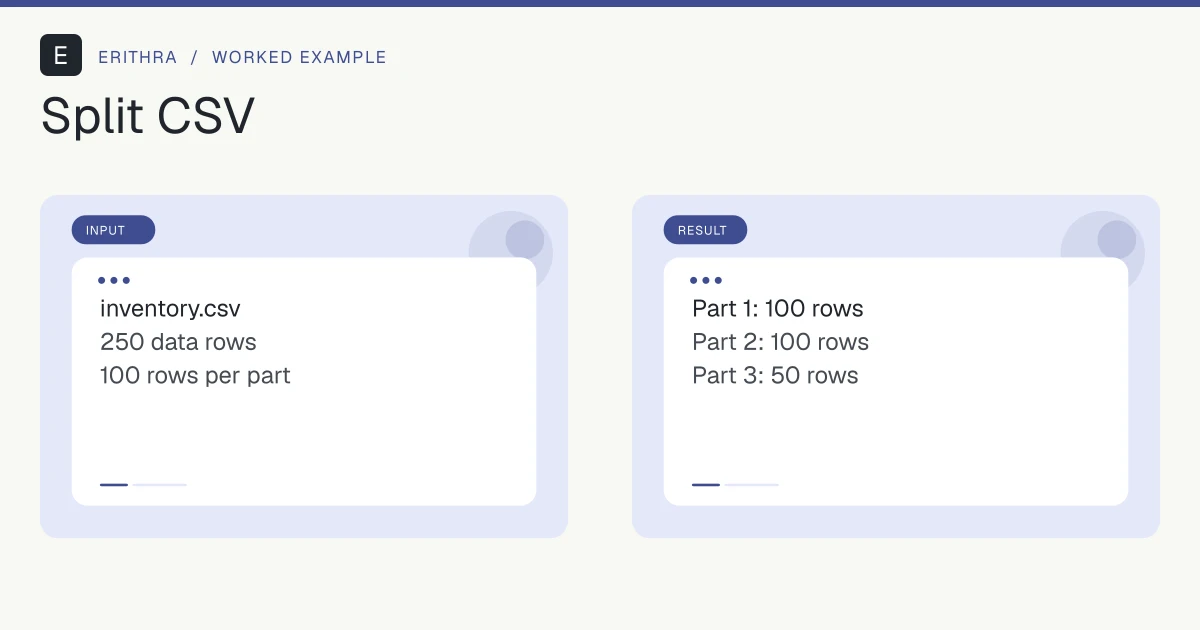
Split a CSV by row count and repeat the header example showing inventory.csv · 250 data rows · 100 rows per part becoming Part 1: 100 rows · Part 2: 100 rows · Part 3: 50 rows.
Split a CSV by row count and repeat the header exampleSplit rows into smaller files and keep the header in each part if selected.

Try it with a small example

Break one comma-separated file into smaller batches while keeping column names available. Open the workspace.

For 2,450 records plus a header with a limit of 1,000, expect 1,000, 1,000, and 450 data rows across three parts. Each starts with the header if selected.

Follow these steps

  1. Choose a UTF-8 comma-separated CSV file.
  2. Set the data rows per file and decide whether to repeat the header.
  3. Check the preview and download the numbered parts in a ZIP.

Check the export

Quoted fields can contain commas and line breaks. Formula-like strings are escaped in CSV exports.

Developersplit csv

Put it into practice

Keep reading