JSON Formatter & Validator
Validate JSON and format it for reading or compact transfer.
Developer ERITHRA
Break a CSV into smaller files with a configurable row limit.
Loading workspace…
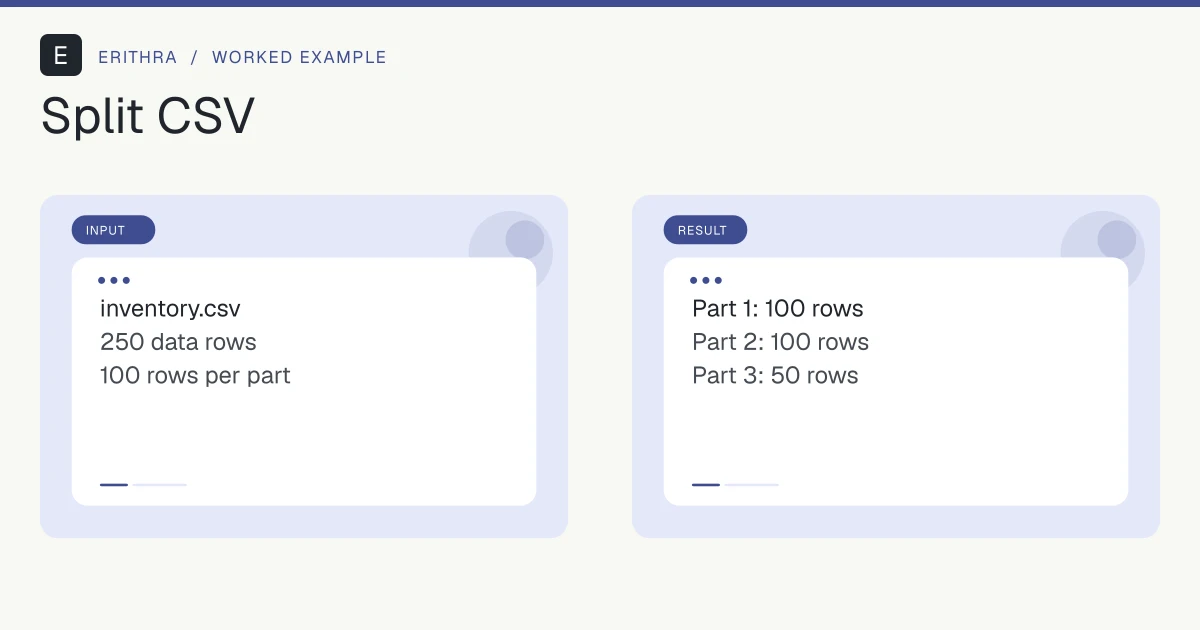
Break one comma-separated file into smaller batches while keeping column names available.
Split a CSV by row count and repeat the header →Comma-separated UTF-8 input. Keep the header row in every part if the destination needs it.
Files and generated results exist only for this tab session. Download any result you want to keep before leaving the page. Browsers may use temporary memory or disk cache while processing.
Check the preview and download the numbered parts in a ZIP.
Quoted fields can contain commas and line breaks. Formula-like strings are escaped in CSV exports.
Validate JSON and format it for reading or compact transfer.
DeveloperEncode Unicode text as Base64 and decode it back.
DeveloperGenerate random passwords with the browser’s cryptographic API.
DeveloperCreate a downloadable QR code from text or a URL.
Developer