
Try it with a small example
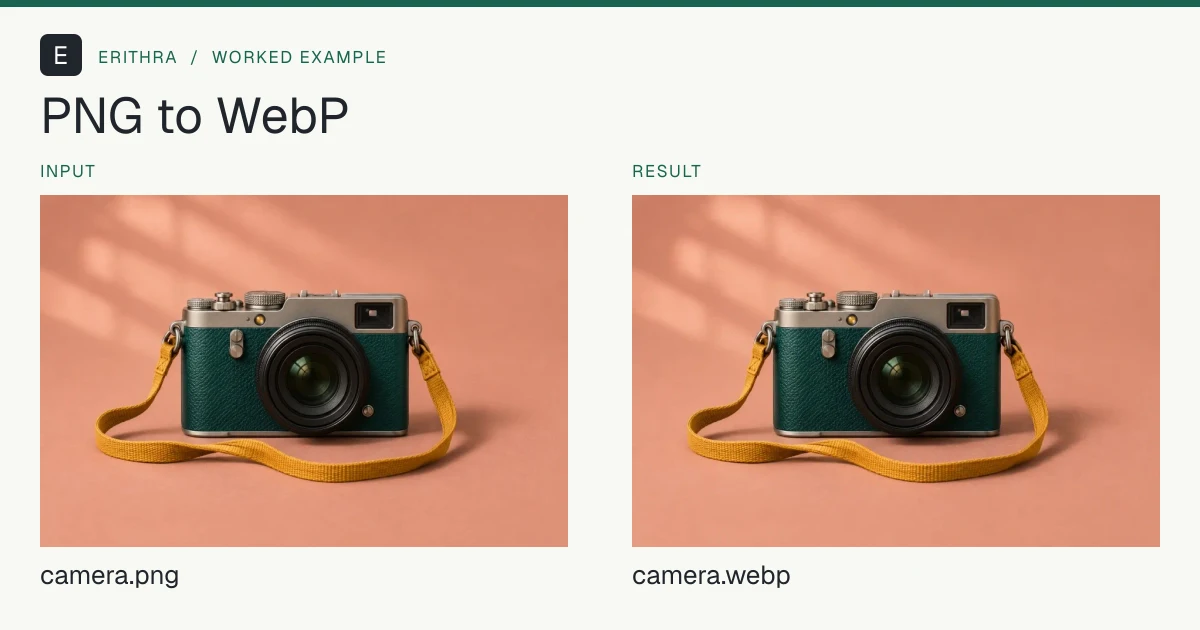
Compare PNG and WebP at the same dimensions and choose an export quality. Open the workspace.
For a set of product images, start at quality 80 and check text labels and transparent edges at the size visitors will see.
Follow these steps
- Select your PNG files and confirm the dimensions in the upload previews.
- Choose a quality setting and process the images.
- Compare detail and size before downloading the WebP file or ZIP.
Check the export
The quality setting controls lossy encoding. Compare actual sizes because some PNGs are already compact.
Imagepng to webp