
Try it with a small example
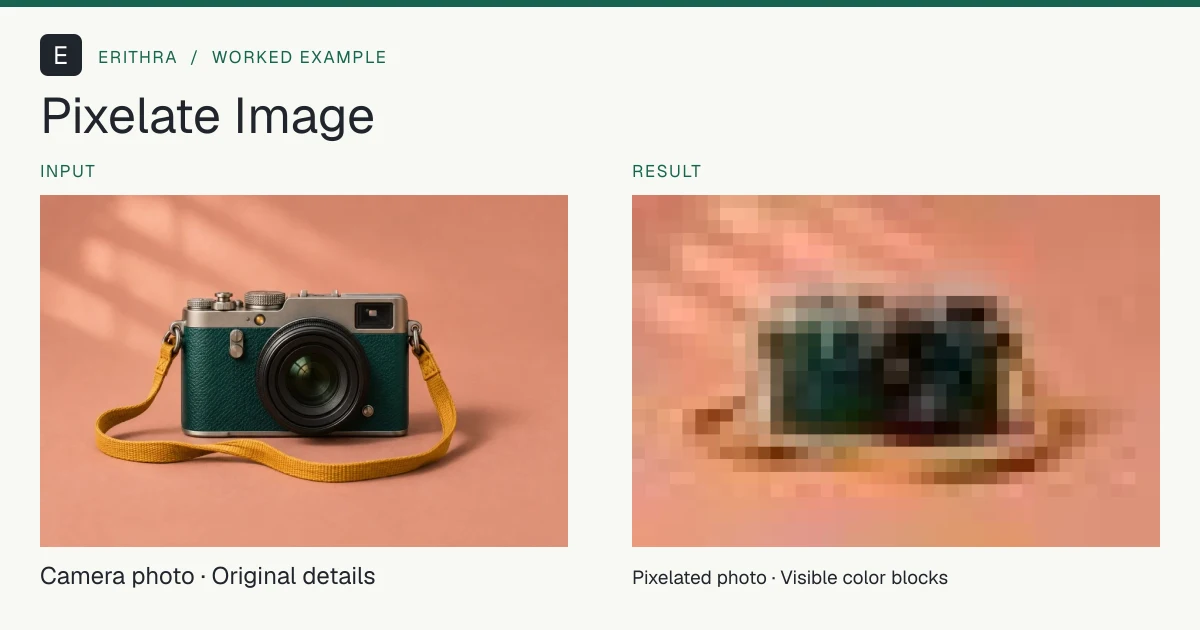
Choose a block size and compare the pixelated result at the same dimensions. Open the workspace.
For a game graphic, compare 6- and 24-pixel blocks. Smaller blocks keep more of the original shapes and larger blocks emphasize the mosaic.
Follow these steps
- Choose a supported image and check its original dimensions.
- Set the pixel block size, then create a preview.
- Use the comparison slider to check the amount of visible detail before saving.
Check the export
This is a visual effect across the whole image. Use a dedicated secure redaction workflow for sensitive details.
Imagepixelate image