
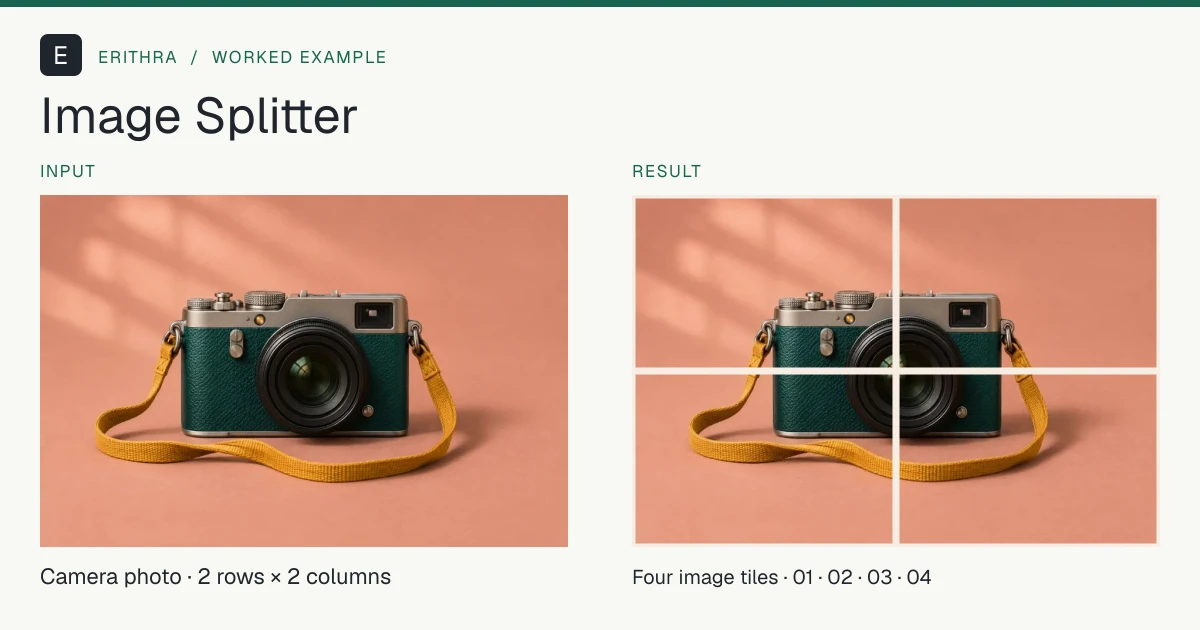
Try it with a small example
Divide an image into numbered PNGs without dropping leftover edge pixels. Open the workspace.
For a 3 × 2 grid, tile-1-1 is the top-left image and tile-2-3 is the bottom-right. The file names help you reassemble them in order.
Follow these steps
- Choose an image and check its pixel dimensions.
- Set the number of rows and columns, then split the image.
- Review the tiles and download the full ZIP archive.
Check the export
Tile sizes can differ by one pixel when the input dimensions are not divisible by the grid. The preview shows up to eight tiles.
Imageimage splitter