
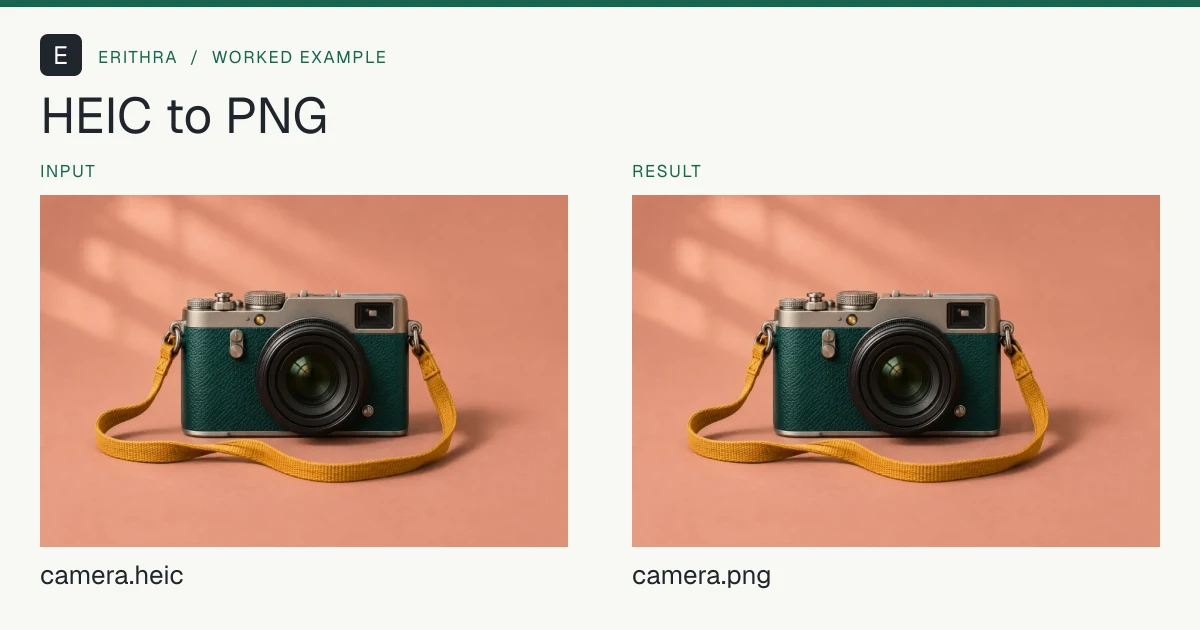
Try it with a small example
Create PNG copies of iPhone HEIC or HEIF photos and compare them with the originals. Open the workspace.
Try one photo with both bright highlights and dark details before converting a whole set. Compare dimensions and file size in the result.
Follow these steps
- Select up to ten HEIC or HEIF files and check the input previews.
- Choose Convert images and compare the rendered results.
- Download the PNG or batch ZIP and check the files in the destination app.
Check the export
PNG usually uses more space for photos than HEIC. Each source contributes one still image.
Imageheic to png