Small tasks. A little easier.157 tools · No account required

Find your next tool

Search all 157 tools and their practical guides.

Image

Save the first frame of a GIF as a JPEG

Make a static JPEG for a form or page that requires an image without animation.

ERITHRA editorial2 min read
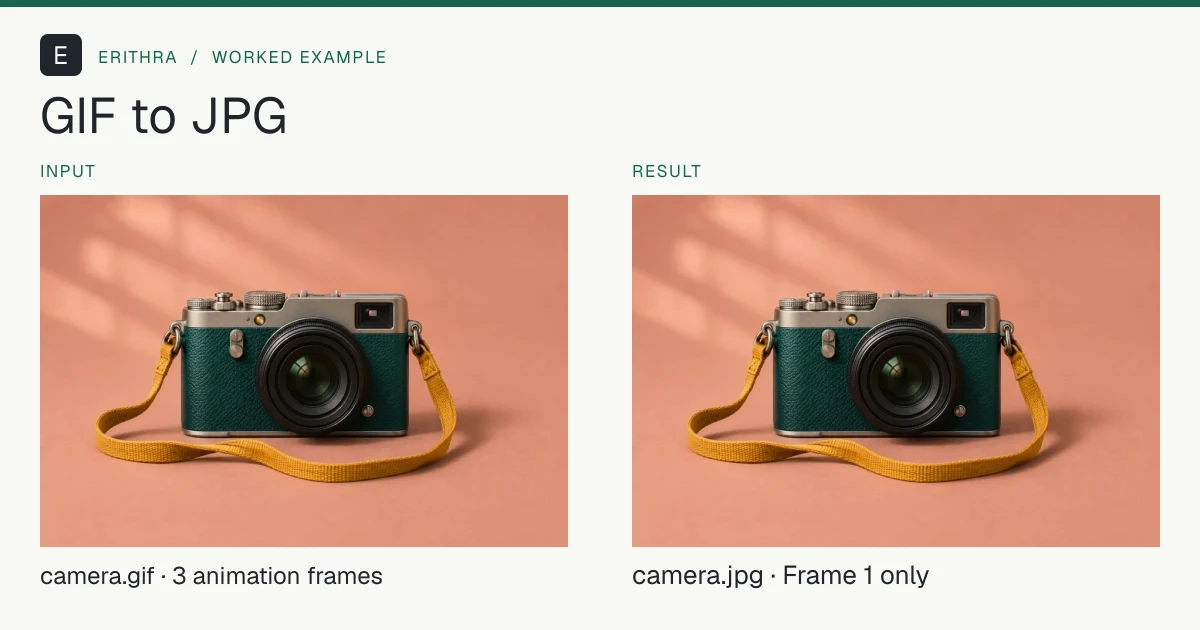
Save the first frame of a GIF as a JPEG example showing camera.gif · 3 animation frames becoming camera.jpg · Frame 1 only.
Save the first frame of a GIF as a JPEG exampleJPEG is a still image, so only the first frame of the GIF is exported.

Try it with a small example

Make a static JPEG for a form or page that requires an image without animation. Open the workspace.

For a badge with a transparent background, compare the original thumbnail and JPEG. The exported JPEG shows a white background.

Follow these steps

  1. Choose one or more GIF files and review the input thumbnails.
  2. Process the images to produce JPEG files.
  3. Confirm the background color and quality in the result before downloading.

Check the export

This tool uses the first frame. JPEG has no transparency and does not carry animation.

Imagegif to jpg

Put it into practice

Keep reading