Small tasks. A little easier.157 tools · No account required

Find your next tool

Search all 157 tools and their practical guides.

Developer

Inspect a ZIP and extract selected files

List the contents of an archive and download just the entries you need.

ERITHRA editorial2 min read
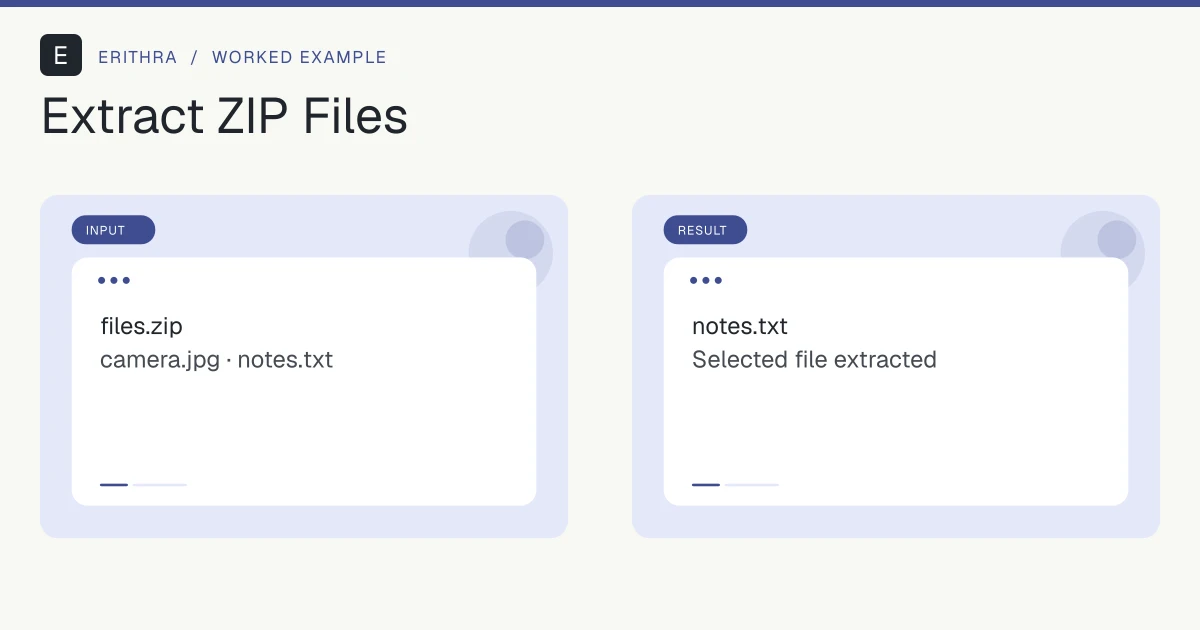
Inspect a ZIP and extract selected files example showing files.zip · camera.jpg · notes.txt becoming notes.txt · Selected file extracted.
Inspect a ZIP and extract selected files exampleInspect the entries and download just the files you need.

Try it with a small example

List the contents of an archive and download just the entries you need. Open the workspace.

For an archive with images and a readme, download the readme first. The remaining files stay in the original ZIP.

Follow these steps

  1. Choose a ZIP file up to 20 MB.
  2. List files in ZIP and check their paths in the results.
  3. Choose the download button for the desired entry.

Check the export

The tool rejects encrypted archives and unsafe paths. Files are downloaded individually rather than written into a folder.

Developerextract zip

Put it into practice

Keep reading