JSON Formatter & Validator
Validate JSON and format it for reading or compact transfer.
Developer ERITHRA
Open a ZIP archive and download selected entries.
Loading workspace…
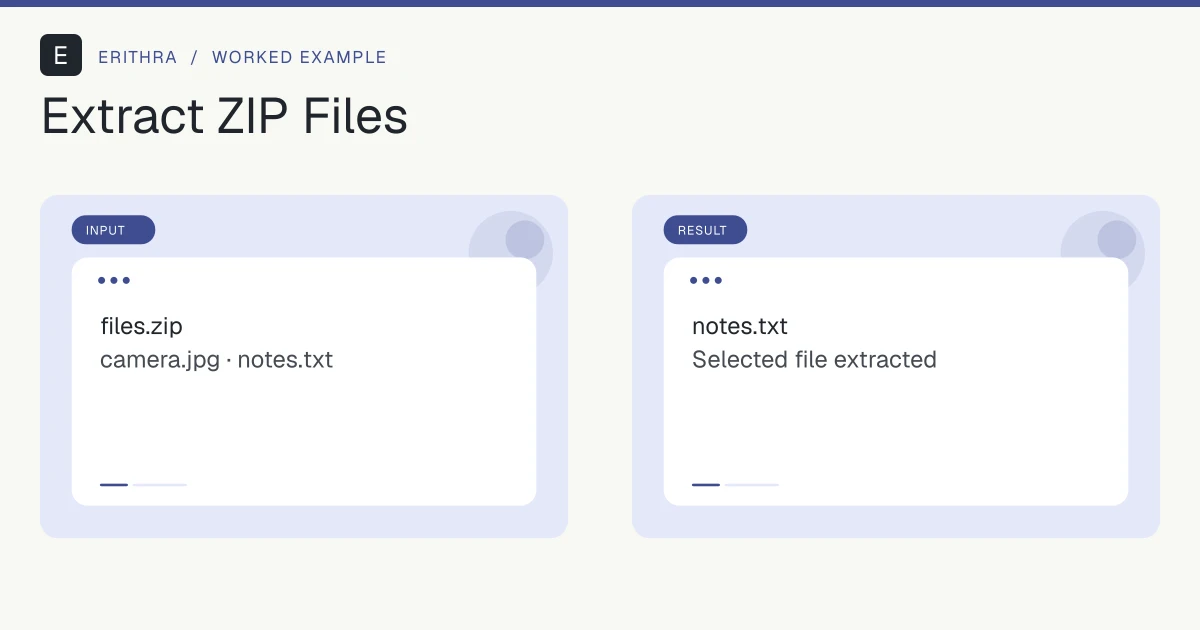
List the contents of an archive and download just the entries you need.
Inspect a ZIP and extract selected files →Up to 100 entries and 20 MB compressed input. Encrypted archives and unsafe paths are rejected.
Files and generated results exist only for this tab session. Download any result you want to keep before leaving the page. Browsers may use temporary memory or disk cache while processing.
Choose the download button for the desired entry.
The tool rejects encrypted archives and unsafe paths. Files are downloaded individually rather than written into a folder.
Validate JSON and format it for reading or compact transfer.
DeveloperEncode Unicode text as Base64 and decode it back.
DeveloperGenerate random passwords with the browser’s cryptographic API.
DeveloperCreate a downloadable QR code from text or a URL.
Developer