Image Compressor
Reduce JPEG and WebP file size with adjustable quality.
Image ERITHRA
Export the first frame of each GIF as a PNG.
Loading workspace…
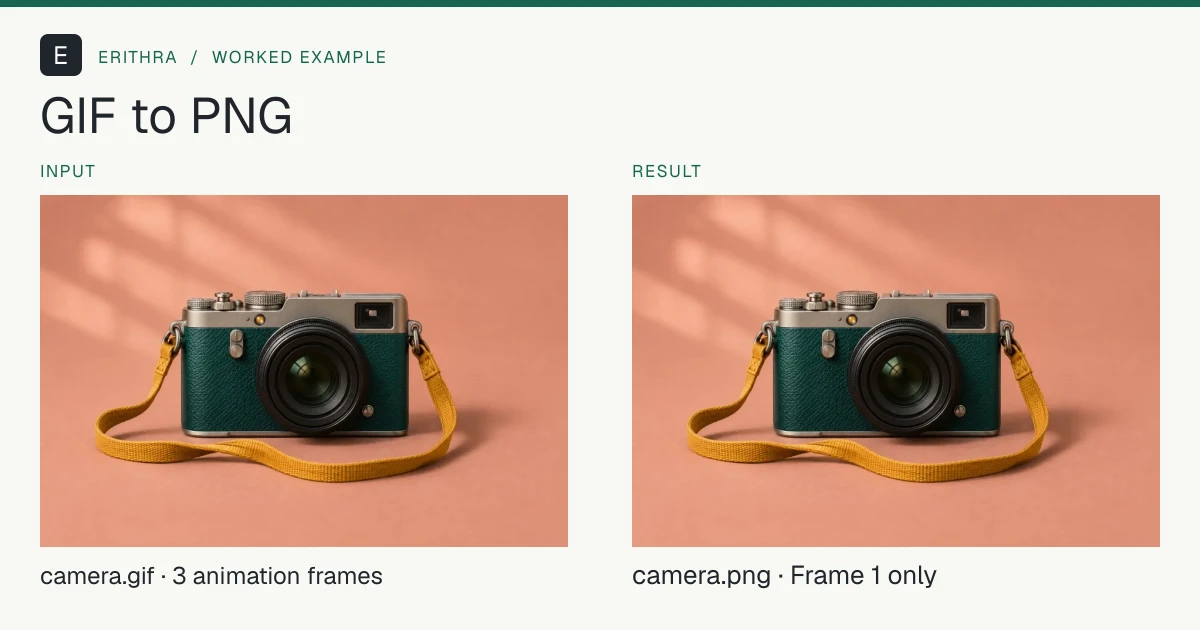
Export a still PNG from a GIF while keeping transparency where the frame has it.
Save the first frame of a GIF as a PNG →Exports a still image. Use GIF to MP4 to convert animation into a playable video.
Files and generated results exist only for this tab session. Download any result you want to keep before leaving the page. Browsers may use temporary memory or disk cache while processing.
Compare the still frames and save the PNG or ZIP.
This exports the first frame only. The PNG cannot play the remaining frames.
Reduce JPEG and WebP file size with adjustable quality.
ImageSet exact dimensions while keeping your image in proportion.
ImageConvert JPEG images to lossless PNG files.
ImageTurn PNG images into JPEGs with a clean white background.
Image