
Try it with a small example
Flatten a list of simple records into a table with one column per field or attribute. Open the workspace.
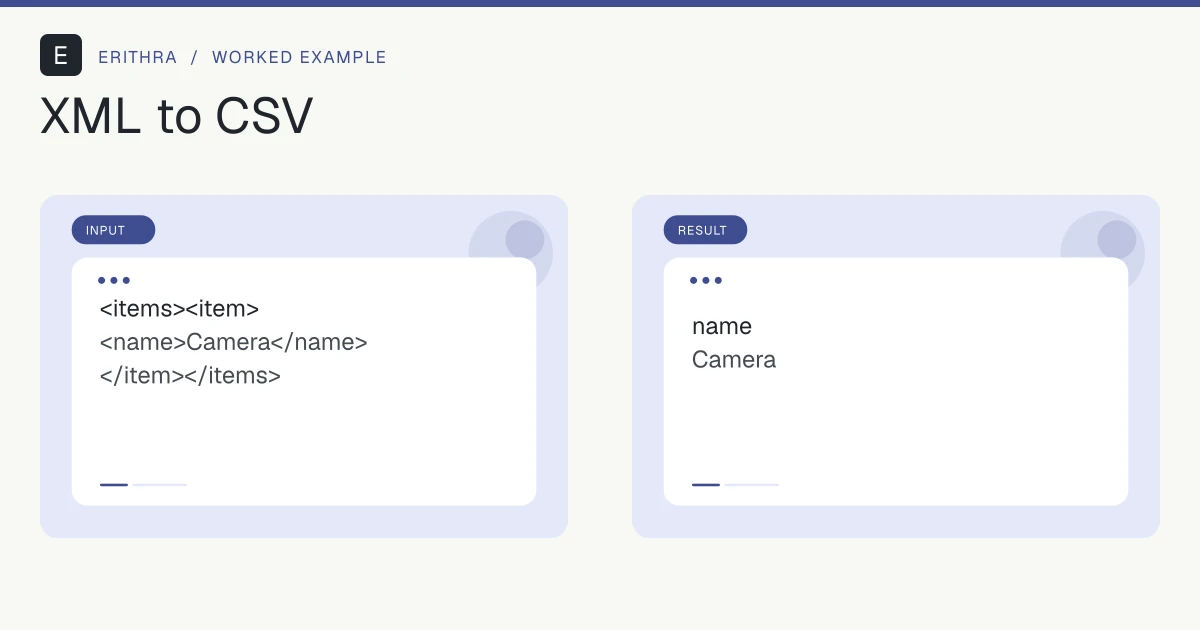
For a products root containing repeated product elements with name and price fields, each product becomes a row. An id attribute becomes an attribute:id column.
Follow these steps
- Choose XML with repeated records immediately beneath one root element.
- Convert the file and review the columns in the preview.
- Download the CSV and check that empty fields line up with the right columns.
Check the export
Nested or repeated fields are ambiguous in a flat table and produce an error. Use XML to JSON for nested data.
Developerxml to csv