Small tasks. A little easier.157 tools · No account required

Find your next tool

Search all 157 tools and their practical guides.

Developer

Split an Excel worksheet into smaller XLSX files

Export smaller copies of one worksheet by row count using stored cell values.

ERITHRA editorial2 min read
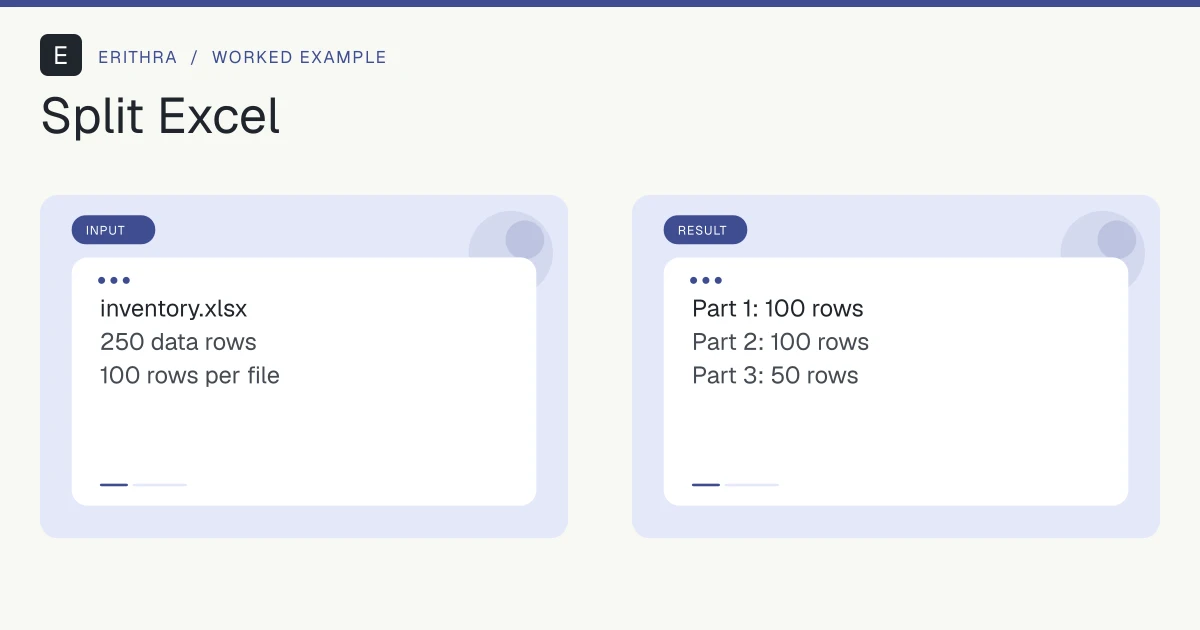
Split an Excel worksheet into smaller XLSX files example showing inventory.xlsx · 250 data rows · 100 rows per file becoming Part 1: 100 rows · Part 2: 100 rows · Part 3: 50 rows.
Split an Excel worksheet into smaller XLSX files exampleSplit a selected worksheet into smaller workbooks.

Try it with a small example

Export smaller copies of one worksheet by row count using stored cell values. Open the workspace.

For a workbook with Notes first and Data second, enter worksheet 2. With 120 data rows and a 50-row limit, expect three parts.

Follow these steps

  1. Choose an XLSX file and enter the worksheet number.
  2. Set the number of data rows per part and whether to repeat the first row.
  3. Inspect the sample rows and download the ZIP of workbooks.

Check the export

These are values-only exports. Formulas, formatting, additional sheets, and charts are outside this export.

Developersplit excel

Put it into practice

Keep reading