
Try it with a small example
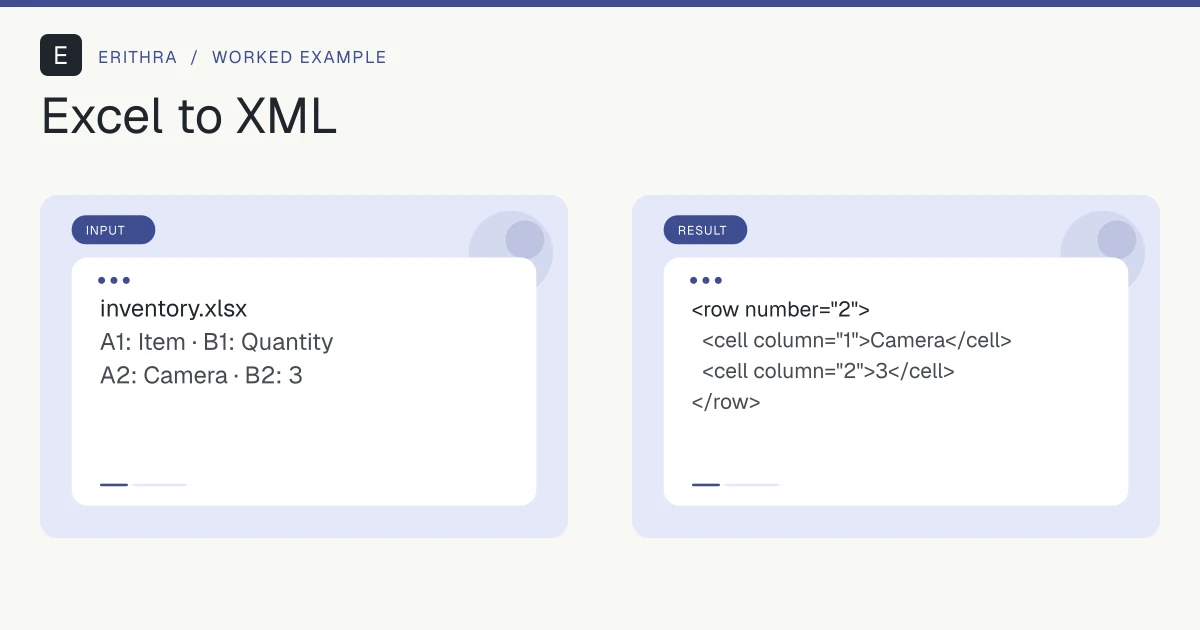
Convert one XLSX worksheet into XML with row and column positions. Open the workspace.
The cell in B3 appears in row number 3 with column number 2. Labels in the first row remain regular cells in the XML.
Follow these steps
- Choose an XLSX workbook and enter the worksheet number.
- Convert the file and review the source values shown in the preview.
- Download the XML and check its worksheet, row, and cell elements.
Check the export
The export uses stored values. It omits styles, charts, formula definitions, and other worksheets.
Developerexcel to xml