PDF Merger
Combine multiple PDF documents in your chosen order.
PDF ERITHRA
Make one PDF page per WebP image in a batch.
Loading workspace…
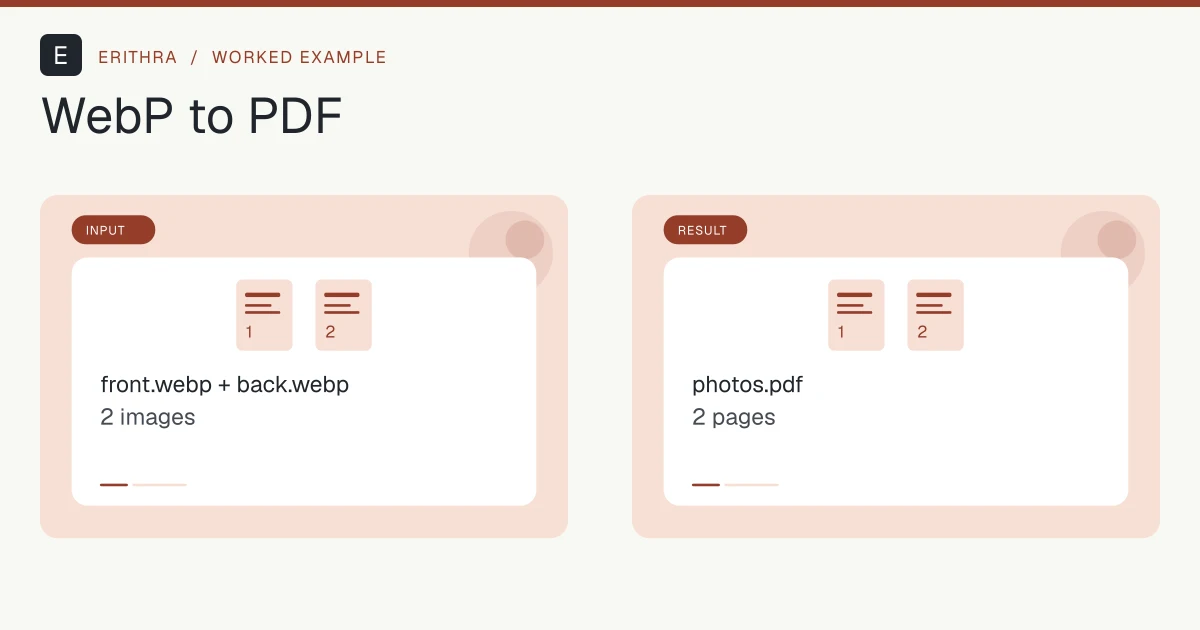
Arrange WebP images in order and turn each one into a page in a single PDF.
Make a multi-page PDF from WebP images →Up to 20 WebP images, 20 MB each and 100 MB combined. Animated images contribute a still frame.
Files and generated results exist only for this tab session. Download any result you want to keep before leaving the page. Browsers may use temporary memory or disk cache while processing.
Preview the first page and download the PDF to check the complete sequence.
Animated WebP becomes a still frame. The page size follows each image's dimensions, so mixed images can produce different page sizes.