Video Compressor
Re-encode a small video as MP4 using an adjustable quality level.
Video & audio ERITHRA
Change the speed of a local video from half to twice its original pace.
Loading workspace…
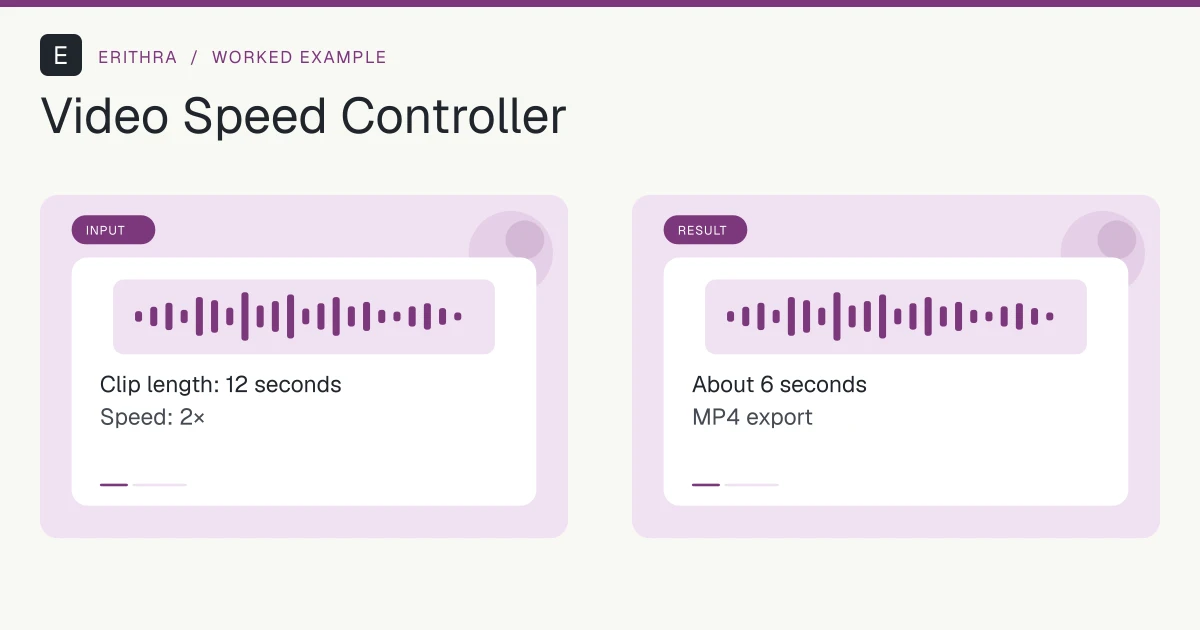
Change the pace of a clip and check the picture and audio together.
Speed up or slow down a local video →Up to 50 MB. Exports H.264 MP4 and changes the speed of both audio and video.
Files and generated results exist only for this tab session. Download any result you want to keep before leaving the page. Browsers may use temporary memory or disk cache while processing.
Compare playback and listen for changes before downloading the MP4.
Both audio and video follow the multiplier. Playback duration can differ slightly because of frame and encoder timing.
Re-encode a small video as MP4 using an adjustable quality level.
Video & audioExport a selected section of a video as an MP4.
Video & audioConvert a short video section into a looping GIF.
Video & audioExtract the audio track from a video into an MP3.
Video & audio