Video Compressor
Re-encode a small video as MP4 using an adjustable quality level.
Video & audio ERITHRA
Play a short video clip backward and export MP4.
Loading workspace…
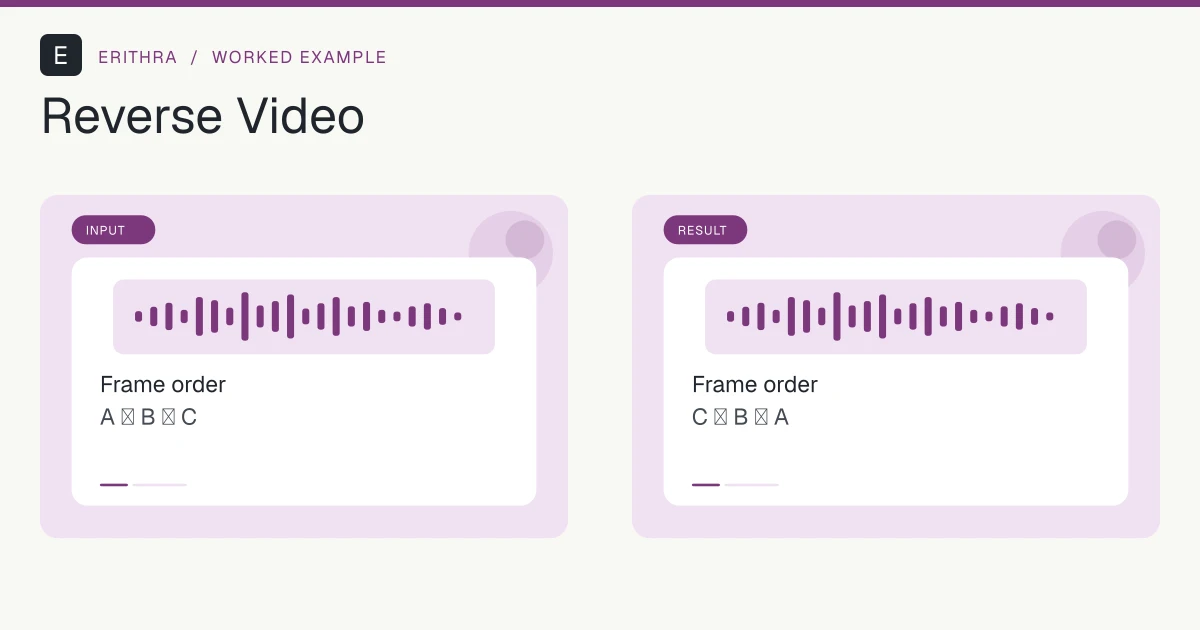
Make a backwards copy of a short local video and review how the effect plays.
Reverse a short video clip and its audio →Up to five seconds and 20 MB. Scales down to fit within 480 × 480 at 24 fps to limit memory use. Audio is reversed if present.
Files and generated results exist only for this tab session. Download any result you want to keep before leaving the page. Browsers may use temporary memory or disk cache while processing.
Play the before and after previews, then download the MP4.
The preview needs readable timing metadata. Output is limited to 24 fps and fits inside 480 × 480 pixels.
Re-encode a small video as MP4 using an adjustable quality level.
Video & audioExport a selected section of a video as an MP4.
Video & audioConvert a short video section into a looping GIF.
Video & audioExtract the audio track from a video into an MP3.
Video & audio